

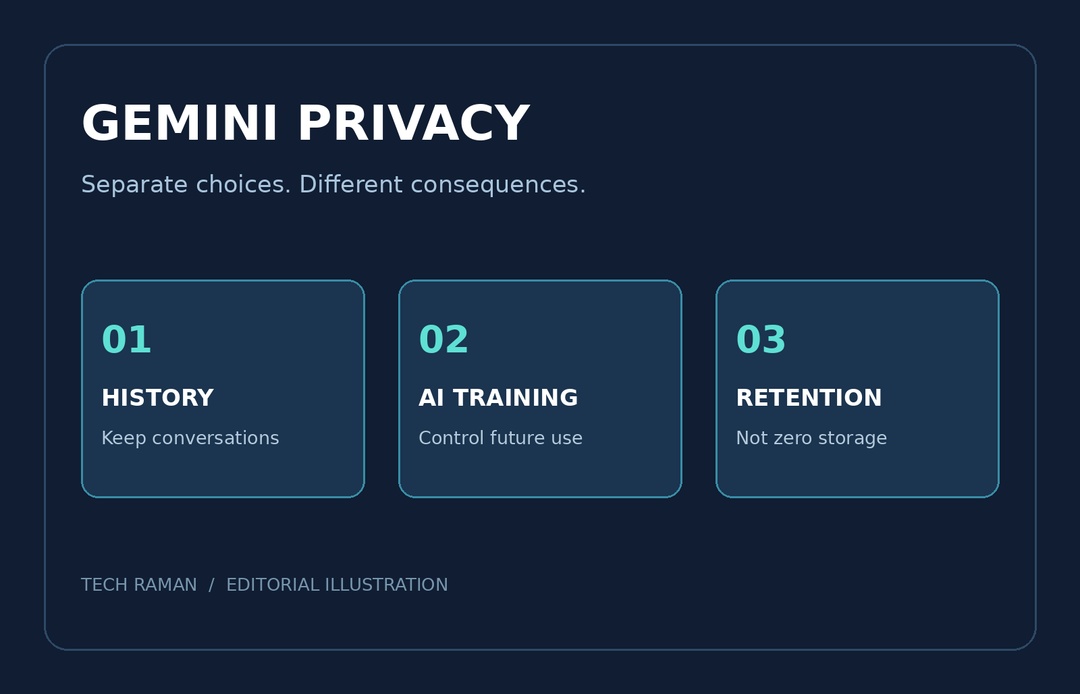
Google is separating two choices that Gemini users previously had to make together: keeping a useful chat history and allowing chats to train generative AI models. The change lets you keep old conversations available while turning off model training for future chats. There is a second, less welcome detail to check: turning history off will no longer mean the previous 72-hour retention window.
What changes in Gemini settings?
Google announced the update on November 16 and says it will roll out globally in the Gemini app over the coming weeks. The old Keep Activity control is being split into History and a separate choice for using chat content, including text and attachments, to train generative AI models.
History controls whether conversations appear in your saved history and how long they remain there. The chat-content training setting controls whether future chat content is used to train generative AI models. Having history available does not mean you must opt into training once the new controls arrive.
Do not assume that a new control is switched off simply because it is separate. Google’s updated desktop help says History is on by default for adults, and the chat-content training setting is on by default for users over 18. The separate audio and Gemini Live video/screenshare improvement setting is off by default. Existing settings and the transition matter, so inspect the choices shown in your own account.
How to keep history but opt out of training
In the updated desktop interface, open Gemini, then Settings and History. Leave History on if you want to revisit conversations. Find the chat-content option, described as text and uploads or attachments, and turn that training choice off. Check the audio and Gemini Live setting separately rather than treating it as the same switch.
Google’s help says the training controls require History to be on. If you still see Keep Activity rather than the new layout, the rollout may not have reached your account. These instructions concern personal accounts. Work and school accounts can have history and retention managed by a Google Workspace administrator.
History off is not the same as no storage
Under the updated policy, Google says temporary chats and future chats made with History off are retained with your account for around two months. The stated purposes include responding to you, processing feedback, and protecting Google, users and the public, including with help from human reviewers.
That is longer than the earlier 72-hour window. Some older help-page versions still show that earlier wording during the transition. Google’s November announcement and updated Privacy Hub describe the new around-two-month period. Do not rely on an old search snippet as a zero-retention promise.
Google says temporary chats are not used to train its AI models. With History off, future chats are also not used for model training unless you submit feedback. Turning training off is still different from excluding all processing or all human review. The updated Privacy Hub says reviewed chats and related data can be separated from your account and kept for up to three years, even after deletion.
What this means before your next upload
Review History, chat-content training and audio/Live controls as separate decisions. Saved history has its own auto-delete choices; Google lists 18 months by default, with other periods available. Turning off training now does not erase material already reviewed, and deleting Gemini history does not delete data held by other Google services or connected apps.
The practical improvement is real: you can preserve conversation continuity without opting into future model training. It is not a confidential-document vault. Keep sensitive client files, identity documents and other people’s private information out unless you understand the relevant account terms and have permission to share them.
Sources: Google’s controls announcement, history settings help and updated Privacy Hub. Featured image: Tech Raman editorial illustration, not a screenshot of the Gemini interface.

